
Download NovaMind Express – mind map, mind mapping tool, brainstorming, idea organization, visual thinking, mental map, creative planning, diagramming software, idea visualization, thought organization
Overview
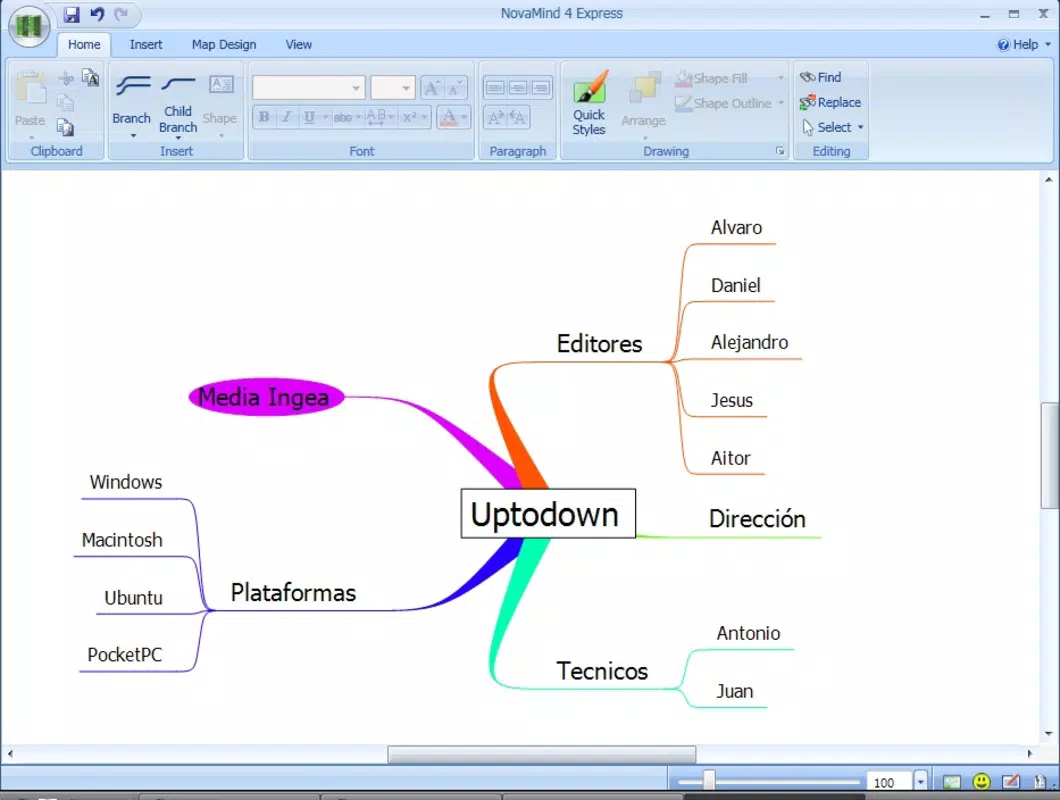
NovaMind Express is a mobile application designed to simplify the process of visual thinking and idea organization through structured mind mapping. The app serves as a digital tool for users seeking to capture, structure, and expand thoughts in a non-linear format, making it ideal for brainstorming sessions, project planning, and academic study. Its primary function is to transform abstract ideas into visual diagrams, enabling users to see relationships between concepts more clearly. This makes it particularly useful for students, professionals, and creatives who rely on structured ideation for problem-solving and decision-making.
Target users include educators, entrepreneurs, writers, and anyone involved in strategic planning or creative work. The app’s intuitive design ensures that even those unfamiliar with mind mapping can begin using it immediately. While the developer, NovaMind Inc., is not described in further detail, the app has been available since 2014, indicating a long-standing presence in the productivity space. Despite its age, the app continues to serve as a reliable tool for organizing complex information in a visually accessible format.
Within the mobile productivity ecosystem, NovaMind Express occupies a niche role—offering a focused, lightweight alternative to more feature-heavy diagramming platforms. It emphasizes ease of use and visual clarity over advanced collaboration or cloud integration, making it a practical choice for individual users who value simplicity and speed in their workflow.
Key Features & Functionality
- Easy to Use Interface: The app’s interface is designed to minimize the learning curve, allowing users to begin creating mind maps within minutes. New users can quickly grasp core mechanics such as adding nodes, branching, and navigating the structure, making it accessible for beginners and efficient for experienced users.
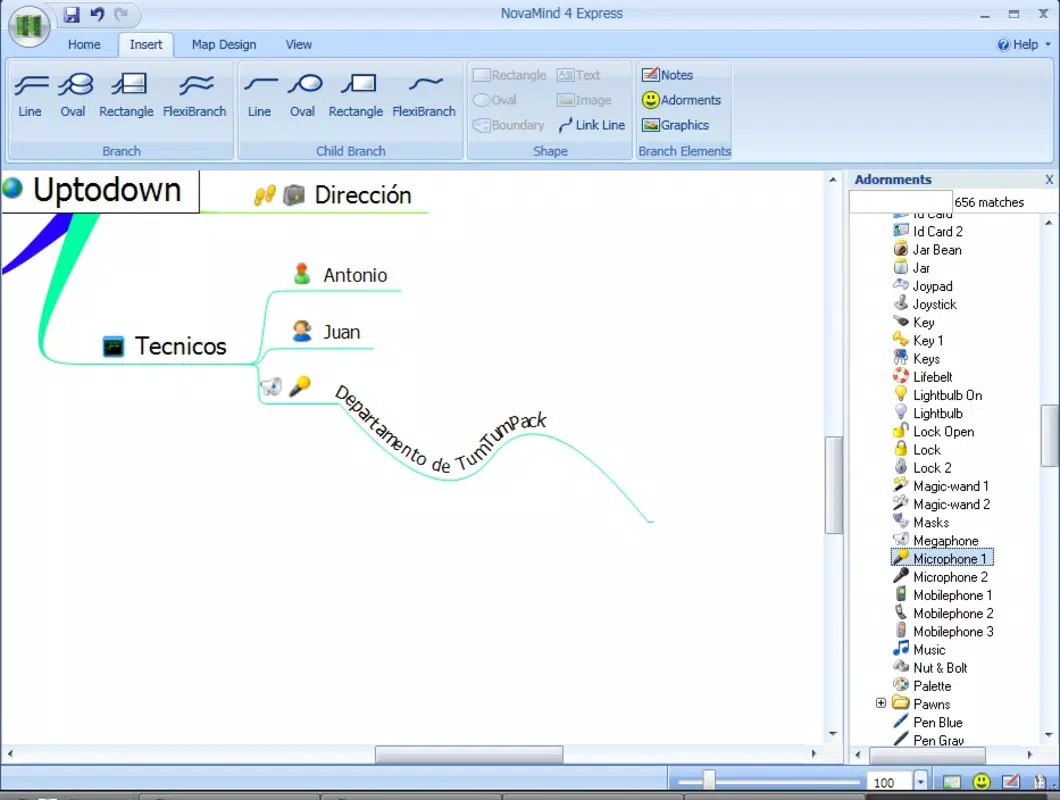
- Branch Customization: Each branch can be individually tailored in content and appearance. Users can hide specific branches to reduce visual clutter and maintain focus during complex ideation sessions, ensuring that only relevant information is displayed at any given time.
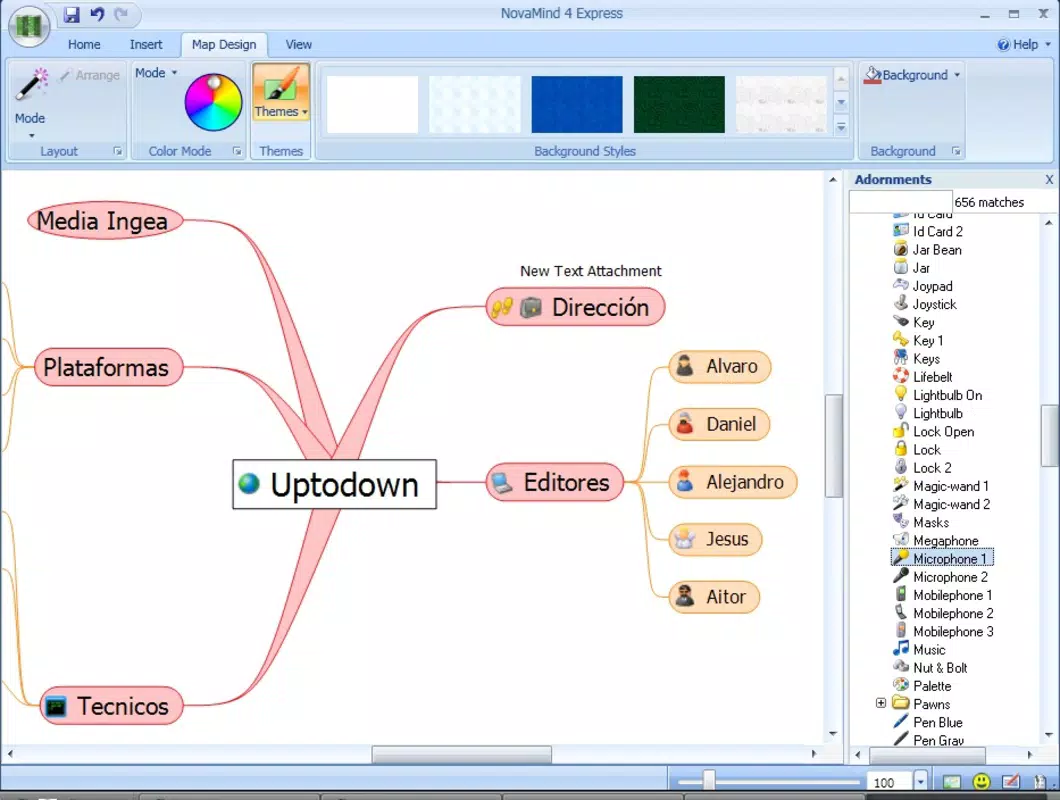
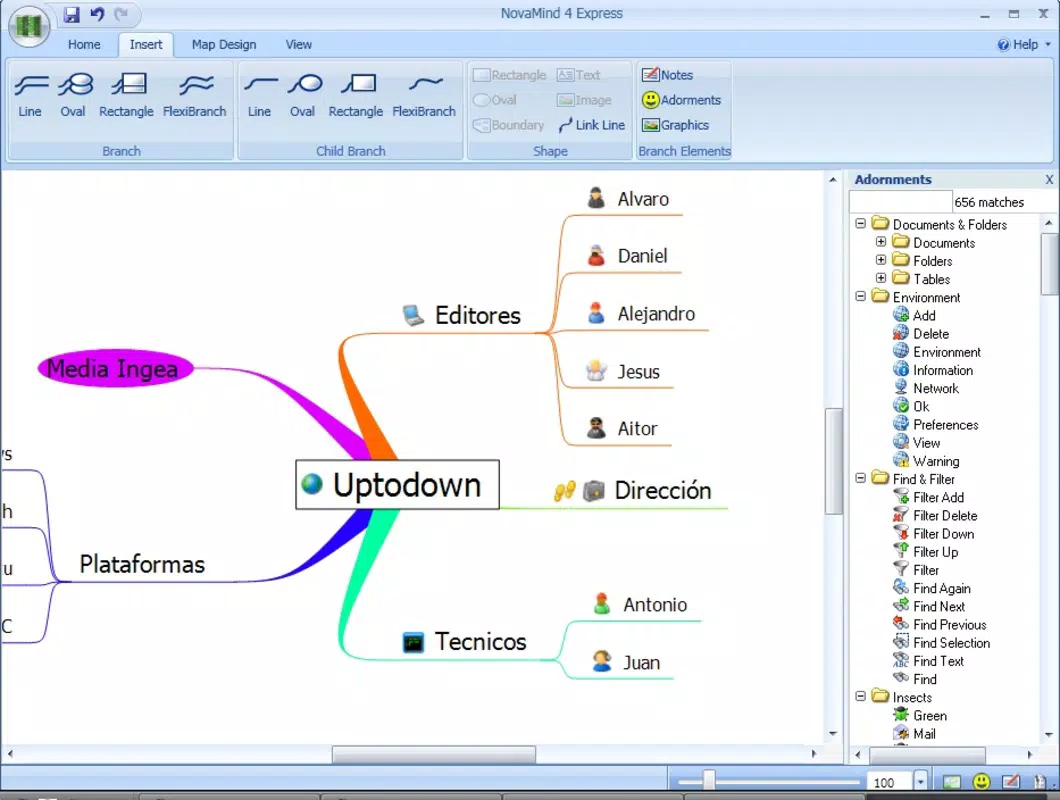
- Rich Icon Gallery: An extensive library of icons and graphical elements can be inserted into daughter nodes. This feature supports visual storytelling and enhances the clarity and engagement of mind maps, especially when used in presentations or educational materials.
- Background & Style Configuration: Users can personalize their diagrams by selecting from solid colors or textured backgrounds. The ability to apply consistent visual styles across the entire map allows for greater aesthetic control and helps align the final output with personal or professional branding needs.
For example, a student preparing for an exam can use the app to map out key topics, insert relevant icons for each concept, and hide less important branches during review. Similarly, a project manager might use the app to outline tasks, assign visual cues to deadlines, and adjust the background to match their team’s branding.
Interface, UX & Performance
The user interface of NovaMind Express is clean and minimalistic, prioritizing functionality over visual overload. Navigation is straightforward, with intuitive gestures for adding, editing, and organizing nodes. The layout is optimized for touch input, ensuring that users can interact with the app smoothly on a variety of screen sizes.
Although the developer did not list formal performance metrics, the app’s lightweight size of 25.7 MB suggests efficient resource usage. This likely contributes to fast load times and responsive interactions, even on mid-tier Android devices. The app appears to maintain stability during typical use, with no reported issues related to crashes or freezes.
Users can expect consistent responsiveness when expanding or collapsing branches, moving nodes, or applying visual styles. The overall user experience is smooth and focused, aligning with the app’s goal of enabling quick, distraction-free idea capture. While no specific details were provided about compatibility with older Android versions, the app’s long-standing presence suggests it maintains broad device support.
Platform Compatibility & Technical Requirements
NovaMind Express is available exclusively on the Android platform. The current version is 1.0.2, and the app occupies 25.7 MB of storage space. The developer did not specify minimum OS requirements or device compatibility details.
Given its release date in 2014 and continued availability, the app likely supports a wide range of Android devices, including those running older versions of the operating system. However, without explicit information, users should verify compatibility with their specific device before installation. The app does not appear to require advanced hardware features, making it suitable for use on budget and mid-range smartphones.
Pros and Cons
Pros
- Intuitive interface ideal for beginners and experienced users alike
- Efficient mind mapping with minimal setup time
- Customizable branches and visual elements for personalized output
- Extensive icon library enhances visual clarity and engagement
- Lightweight size ensures smooth performance on most Android devices
Cons
- Developer did not provide detailed technical specifications or OS requirements
- Limited information on cloud sync, collaboration, or export formats
- No visible integration with third-party productivity tools
- App has not been updated since 2014, raising questions about long-term support
- Price point of $9.99 may be considered high for a feature-limited tool
FAQ
Is NovaMind Express safe to download and install?
Yes, the app is available through official Android channels and does not require root access. As with any third-party app, users should ensure they are downloading from a trusted source to maintain device security.
Can I use NovaMind Express on older Android devices?
The developer did not specify minimum OS requirements. However, given its release date and lightweight size, it may function on older Android versions, though compatibility is not guaranteed.
Does the app support cloud storage or data backup?
Specific functionality related to cloud sync or backup was not disclosed. Users are advised to manually export or save their work to prevent data loss.
Is NovaMind Express available for iOS?
Currently, the app is only available on Android. There is no public information indicating an iOS version is in development.
How often is NovaMind Express updated?
The last update was released in 2014. The developer has not released any updates since then, which may affect compatibility with newer Android systems.
Final Thoughts
NovaMind Express remains a compelling option for users seeking a simple, focused mind mapping experience on Android. Its clean interface, customizable features, and visual appeal make it a strong tool for individual ideation and planning. While its lack of recent updates and limited integration with modern workflows may be drawbacks for some, its core functionality continues to deliver value for users who prioritize ease of use and visual clarity.
For students, creatives, and professionals who need a reliable, no-frills diagramming tool, NovaMind Express offers a practical solution. Its ability to transform thoughts into structured visual maps in minutes makes it a worthwhile investment for anyone engaged in brainstorming, study, or project organization.
Download NovaMind Express now


